- $ sudo nano /etc/modules
add the lines:
i2c-bcm2708
i2c-dev

- $ sudo nano /etc/modprobe.d/raspi-blacklist.conf
comment the line of
#blacklist i2c-bcm2708

- install i2c-tools for testing
$ sudo apt-get install i2c-tools - reboot
- After reboot, run i2c-tools to test
run the command with -1 option for rev 2 board, or -0 for rev 1 board.
$ sudo i2cdetect -y 1
$ sudo i2cdetect -y 0 - In my test on rev2, with no i2c device inserted:
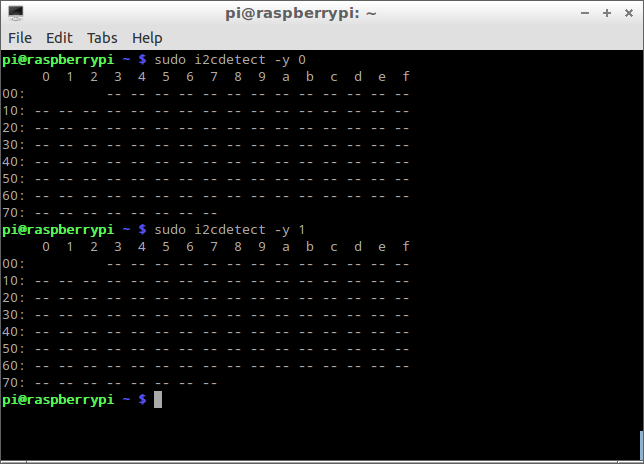
with Tontec 2.4-inch TFT LCD Touch Screen attached:

Showing posts with label hardware. Show all posts
Showing posts with label hardware. Show all posts
Sunday, January 26, 2014
Enable I2C of Raspberry Pi
By default, i2c is disabled in Raspberry Pi. To enable it, follow the step:

Subscribe to:
Posts (Atom)